Porvoo, Finland, 3 November 2026. Vaiti, a private AI dictation and voice-notes app made in Finland, is now available worldwide on Google Play for Android phones and Wear OS watches. It is free to download. You tap a small dot, speak the way you normally do, tap again, and clean, punctuated text appears where your cursor is, in any app.
Every dictation is also kept as a note on the phone. Later you can search those notes by meaning, ask them questions in plain words, and turn them into an email, a to-do list or a summary with a spoken AI command. Vaiti went live on 31 October 2026 in more than 170 countries, and the store listing is available in English, Finnish and Russian.
From a thought to text, without the typing lag
Most of what we write starts as something we could simply say. Typing it on a phone is slow, and it is hardest exactly when it matters: walking, driving, cooking, carrying something, or in the middle of other work. Vaiti is built to close that gap between a thought and the text, wherever you are and whatever device is closest.
The principle is fewest steps. The dot appears only while you are typing; one tap starts, one tap ends. There is no separate app to open, no copying and pasting, and nothing to set up per app. Speech becomes finished text: fillers removed, punctuation fixed, your own wording kept.
“I wanted to capture a thought in the five seconds I have, and find it again when I need it,” says Vitaly Stockman, the developer of Vaiti. “Dictation, notes and an assistant that knows those notes belong in one place.”
What Vaiti does today
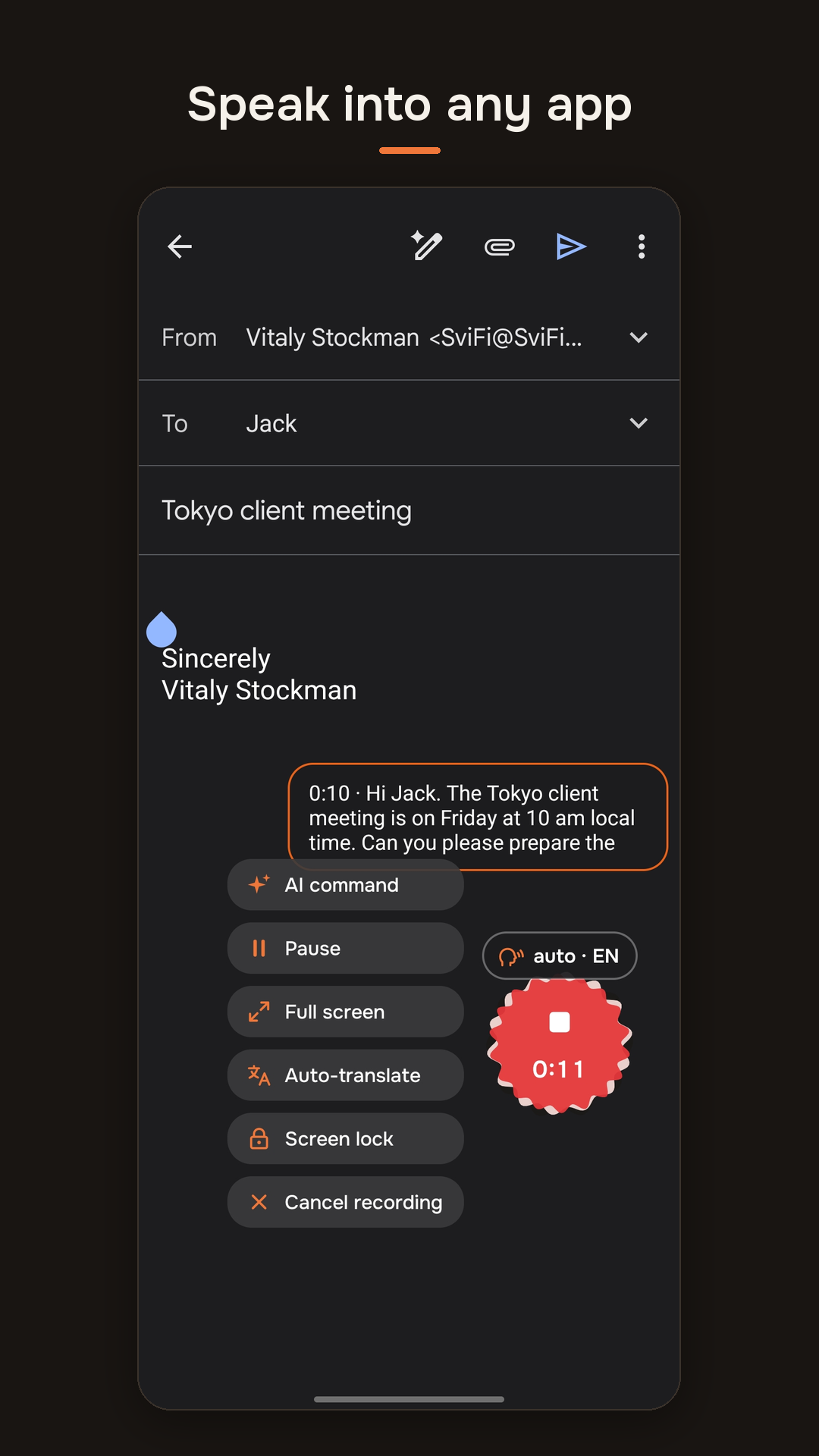
Dictate into any app. Messages, email, documents, the browser: wherever you can type, the orange dot appears beside the field. Your words show up as you speak, so you can see you are understood, and the finished text lands at the cursor.
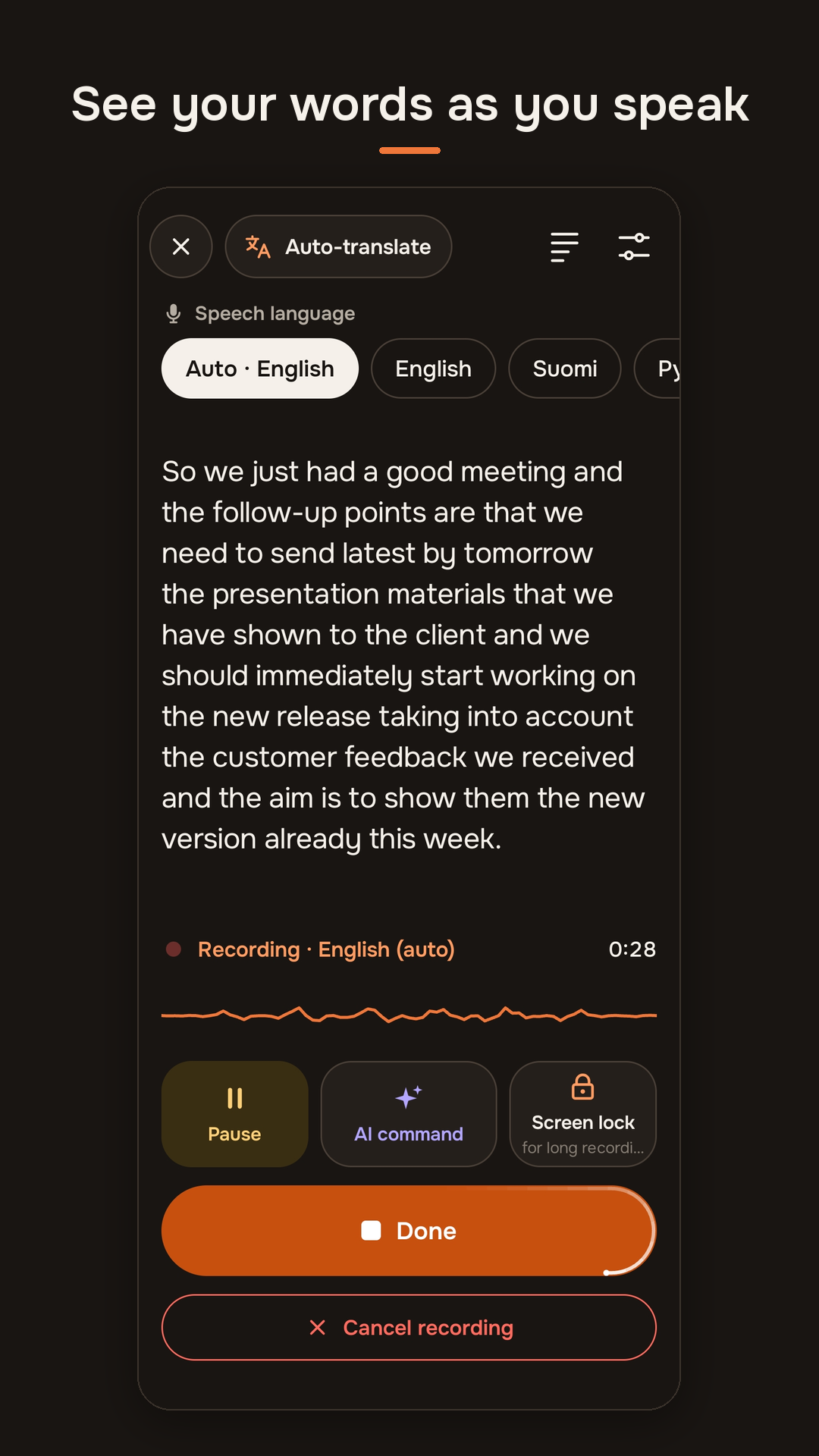
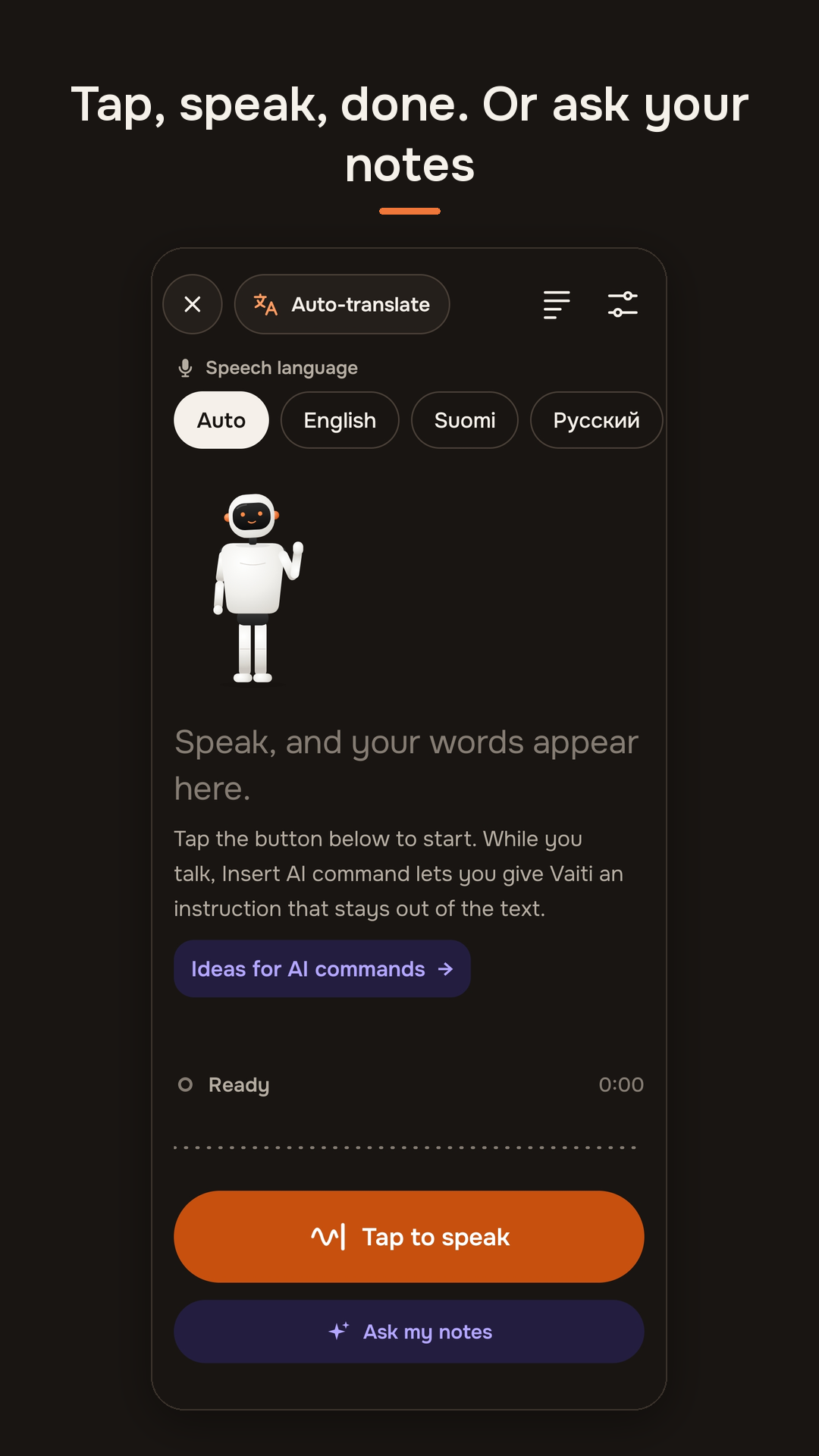
Your languages. Vaiti recognises about a hundred languages. You choose the ones you speak; on Auto it hears which of them you started in and keeps to it, and each language is written in its own alphabet. Vaiti never translates unless you ask it to.
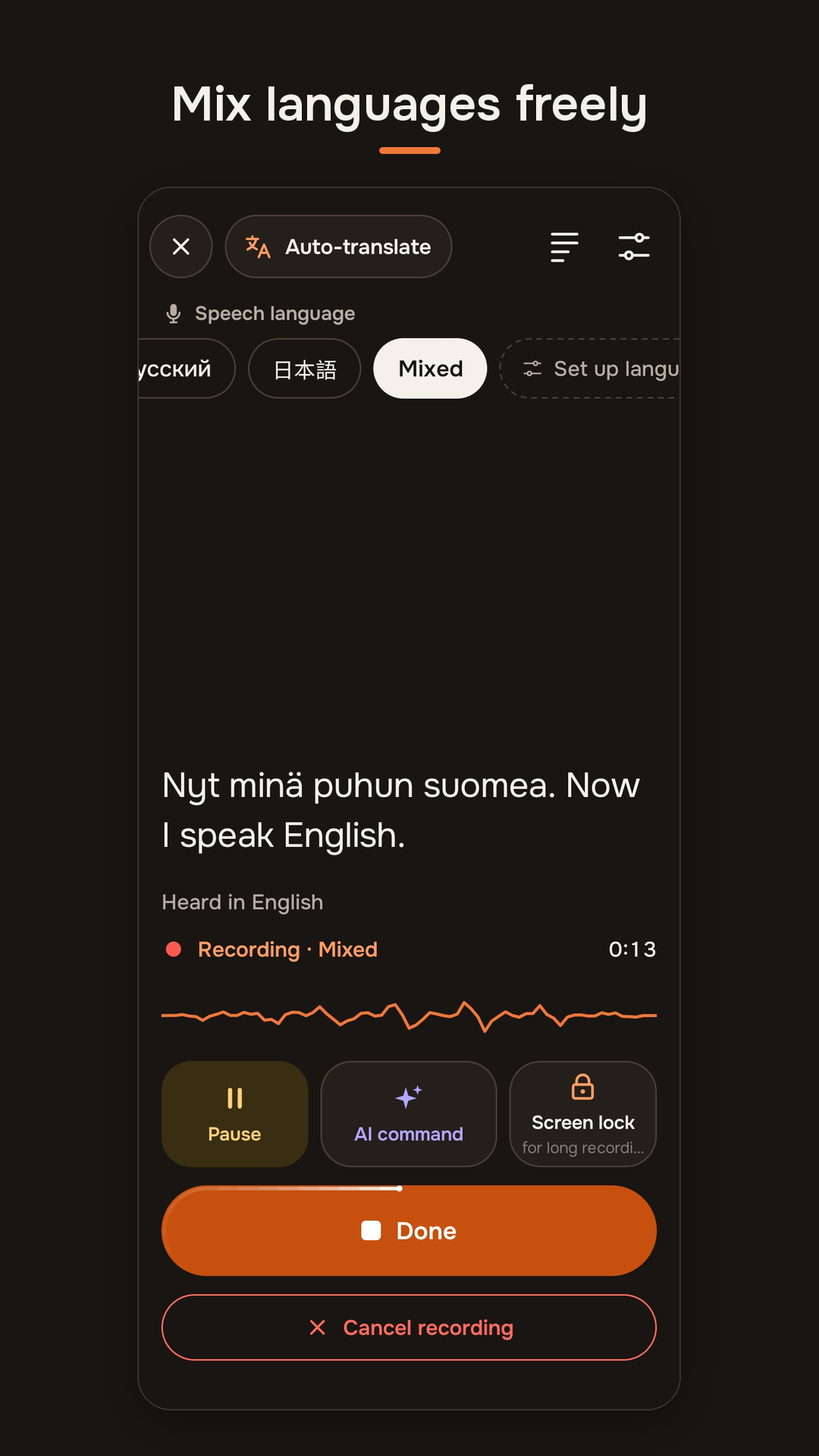
Speak yours, send theirs. With auto-translate on, everything you dictate is written in the language you pick, whatever you speak. Useful for a message to a colleague abroad or a reply in a language you read better than you write.
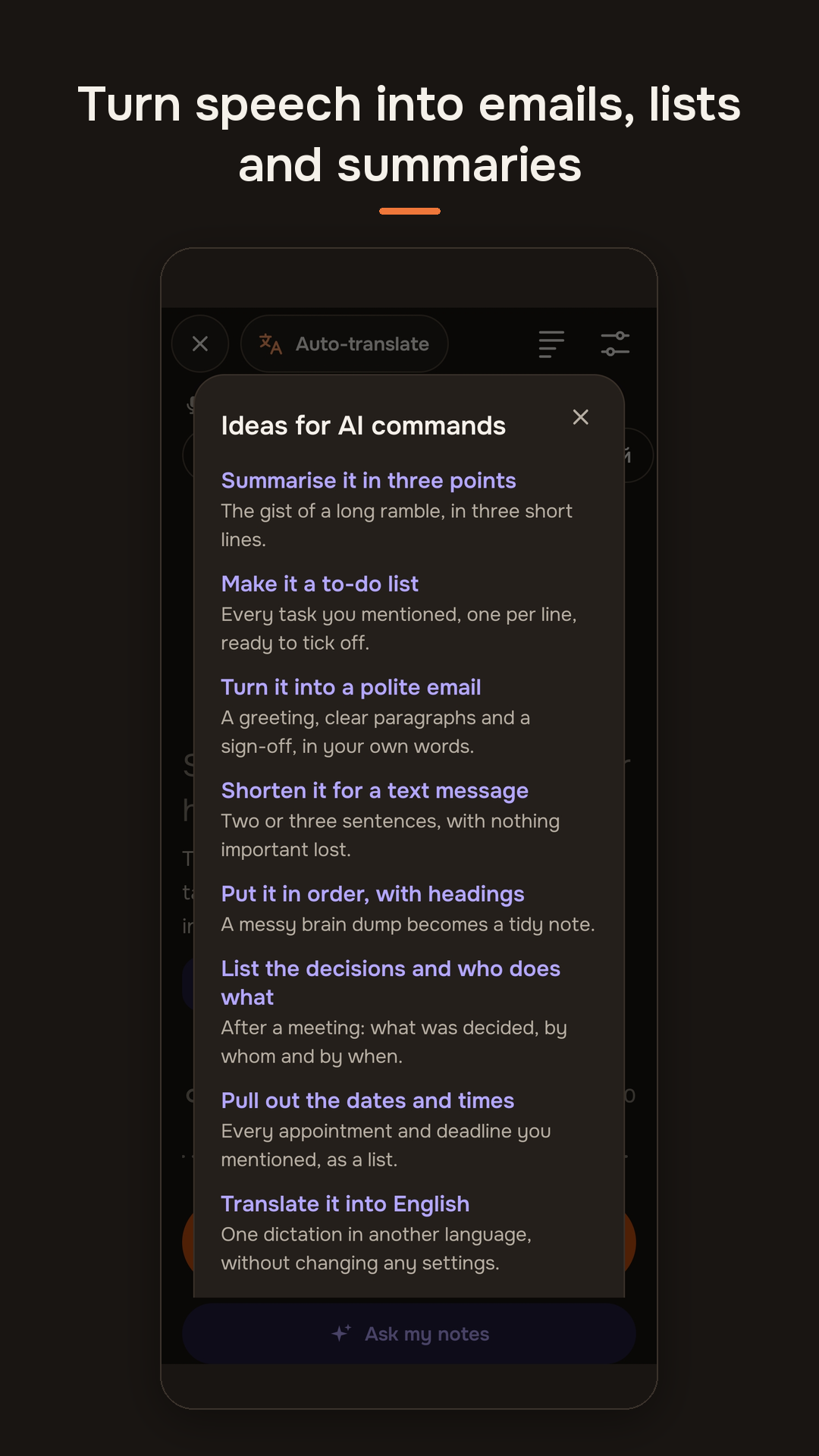
Tell it what to do with the text. In the middle of a dictation, tap Insert AI command and say what you want: “make it a to-do list”, “shorter and more polite”, “turn it into an email”. The instruction never ends up in your text. Dozens of ready-made commands and your own saved ones are one tap away, and a command also works later on any saved note.
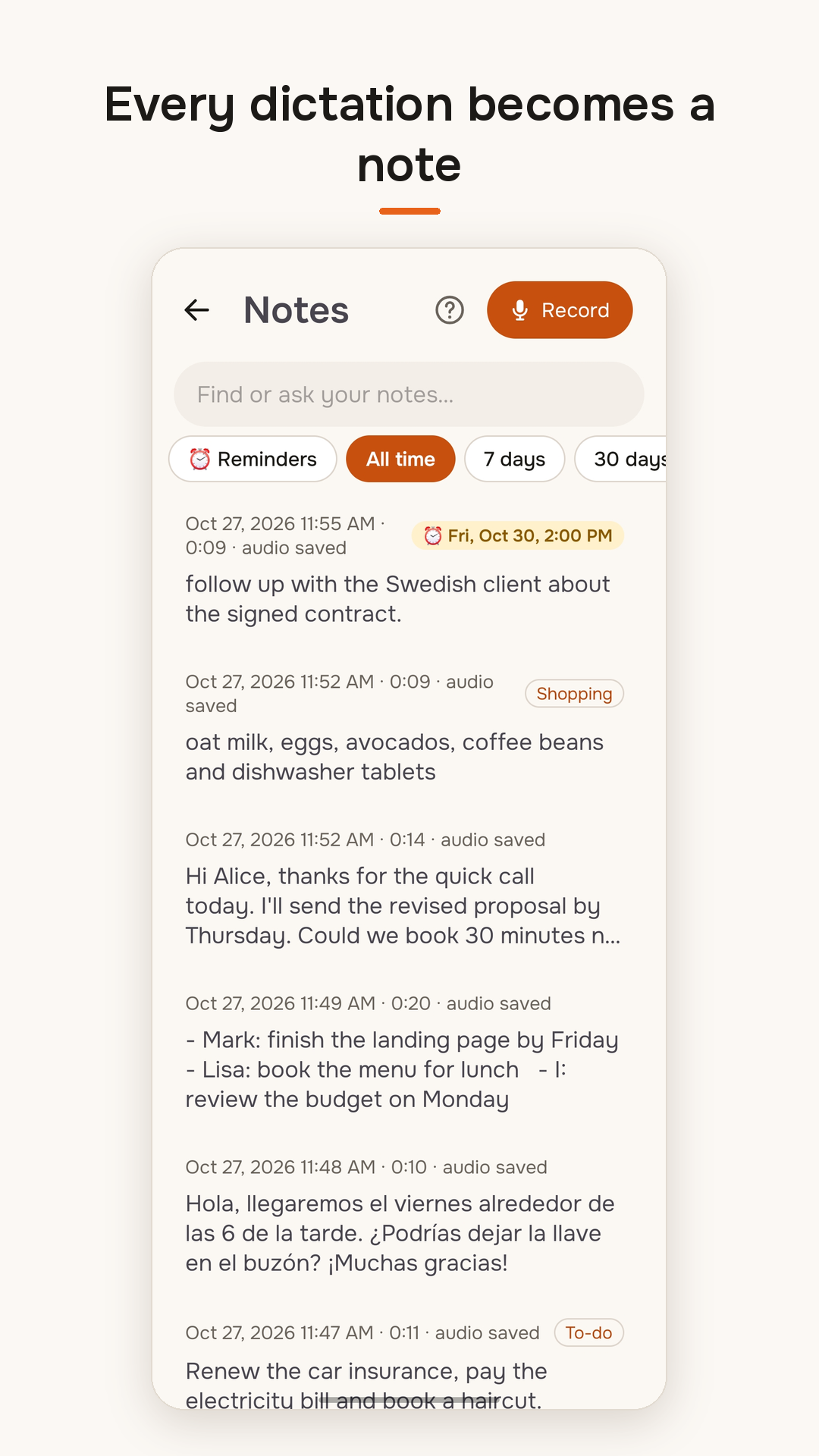
Every dictation becomes a note. Each one is kept on the phone with a short title. Say where it belongs (“add this to Shopping”) and it is filed there; say “remind me tomorrow at nine” and it becomes a reminder that rings even when the phone is on silent.
Ask your notes. Ask in your own words, by voice or typing (“what did I promise the client last week?”), and Vaiti answers from what you said before. Search by meaning runs entirely on the phone, so it finds a note even when you remember other words than the ones you used.
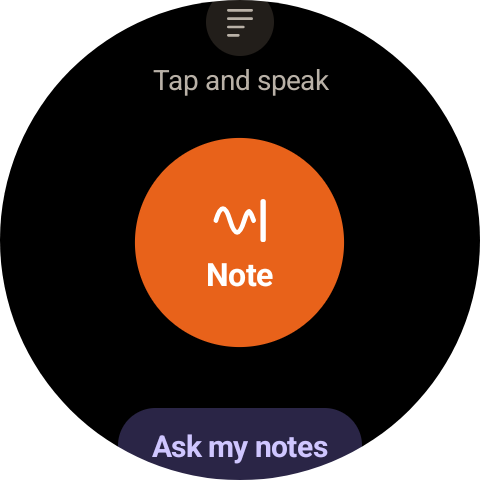
On your wrist. With a Wear OS watch you record a note or ask a question without taking the phone out, read your lists and get your reminders there.
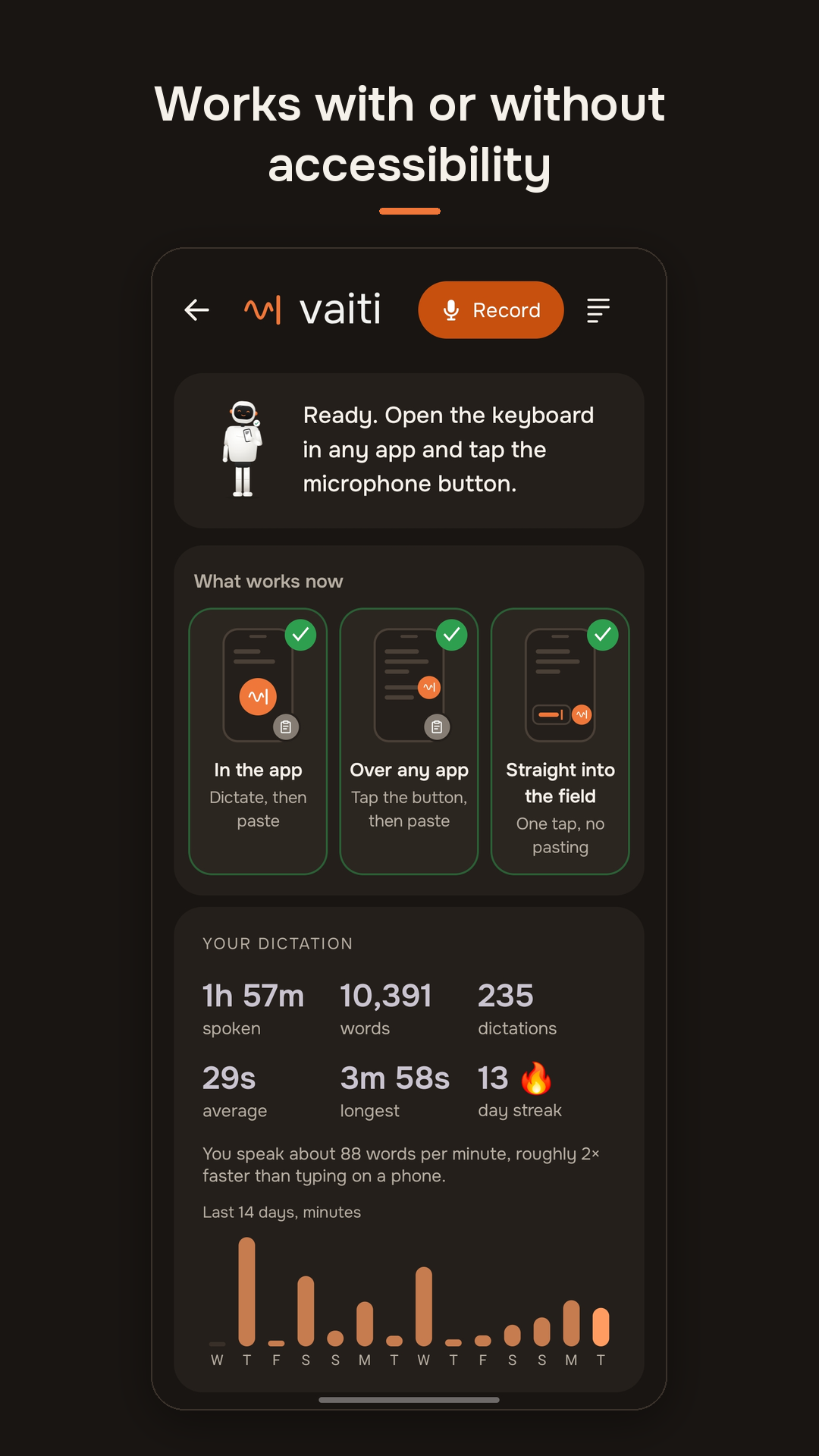
Three ways to use it. Vaiti works inside its own app with no special permission, as a floating button over other apps (copy and paste), or, with Android’s accessibility permission, straight into the field you are typing in. Translation, commands and notes work on every level.
Private by design, with your own key
Vaiti is Finnish for “silent, keeping quiet”. The app has no account, no ads, no analytics and no tracking. Notes, recordings, settings and the key stay on the phone.
Speech is turned into text by Groq with the user’s own API key, which anyone can create for free in a minute; the app walks you through it. Audio and text go from the phone to the speech service and nowhere else. The developer never receives them, unless you choose to send a problem report that includes them.
Bring-your-own-key keeps the app free and keeps the data path short and visible. It is also the base for organisations: the same app can be pointed at a provider or a server the organisation chooses.
Where it is going
The goal is quick input on whatever device is nearest, with one set of notes behind it. These are the plans; dates will be announced when each is ready.
- iPhone and Apple Watch, now in development, with CarPlay as part of the iPhone app.
- Android Auto, for notes and reminders while driving.
- Windows and Mac, for dictation into any desktop app, including a mode that turns rambling speech into a short, structured prompt for AI coding tools.
- A web version, to read, search and ask your notes in the browser.
- Vaiti without a key: a ready-to-use cloud option for people who don’t want to set up a speech provider, alongside the free bring-your-own-key option, which stays.
- Notes on every device: optional sync, encrypted where possible, with EU-only hosting as a choice.
- Choice of AI provider: the next update adds providers beyond Groq, including ones reachable in regions where Groq is not.
For organisations
Vaiti is being shaped as a tool a company can roll out to everyone: confidential dictation and meeting notes on the devices people already carry. The plan includes company deployments with an admin console, the organisation’s own AI endpoints or servers (including self-hosted and EU or Finland-only hosting), settings an administrator can lock, and personal notes that can be shared as team knowledge. The first focus is people who work away from a desk: care, construction, logistics and field sales. Organisations interested in a pilot can write to sales@vaiti.app.
About the maker
Vaiti is developed by Vitaly Stockman, an entrepreneur and technologist in Porvoo, Finland. He is VP at DataPartner, the company behind Invest for Excel, professional financial modelling software for investment analysis, business valuation and feasibility studies, where he works on bringing AI into that analysis. He is also the co-founder and CEO of DeskMe, which makes booking desks and meeting rooms and finding people in corporate offices easy on an interactive 3D map. Under his own company SviFi he does hands-on AI work: agentic AI workflows, semantic search and AI-assisted analysis, and apps built with AI-assisted development, such as Vaiti.
Facts for media
| Name | Vaiti: AI Dictation & Notes |
| Platforms | Android phones, Wear OS watches |
| Released | 31 October 2026, worldwide on Google Play |
| Price | Free; speech uses the user’s own free Groq API key |
| Languages | About 100 for speech; the app itself in 21 languages |
| Developer | SviFi (Vitaly Stockman), Porvoo, Finland |
| Website | vaiti.app |
| Google Play | Vaiti on Google Play |
| Media and partnerships | hello@vaiti.app |
Logos and screenshots for publication are available on request.

Leave a Reply